Hospitality + Crew
Run the whole venue from one room.
The roster, the crew's phones, the timesheets and the pay run, in one place, with the owner in command.
Design preview. The screens on this page show where bord.room is going, with sample data.
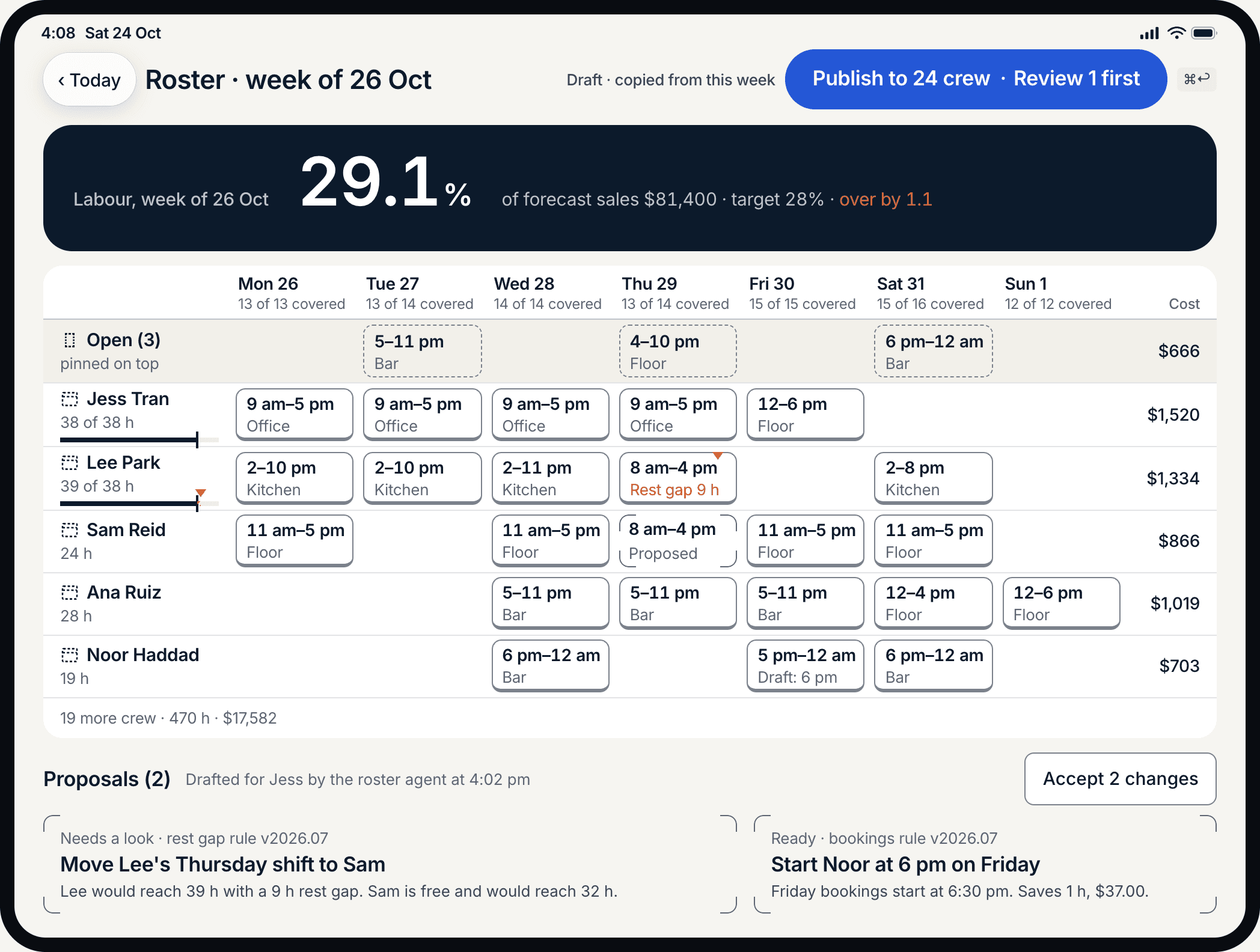
Before the doors open
Plan the week once. Every phone updates.
- Plan by section, with open shifts in view.
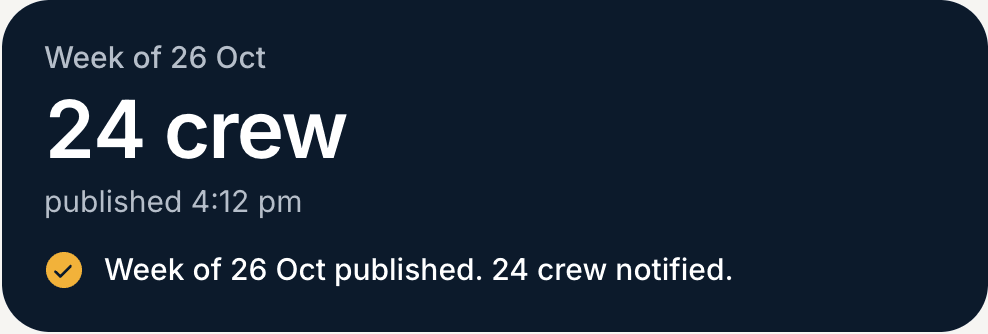
- Publish once; the crew's phones change at the same moment.
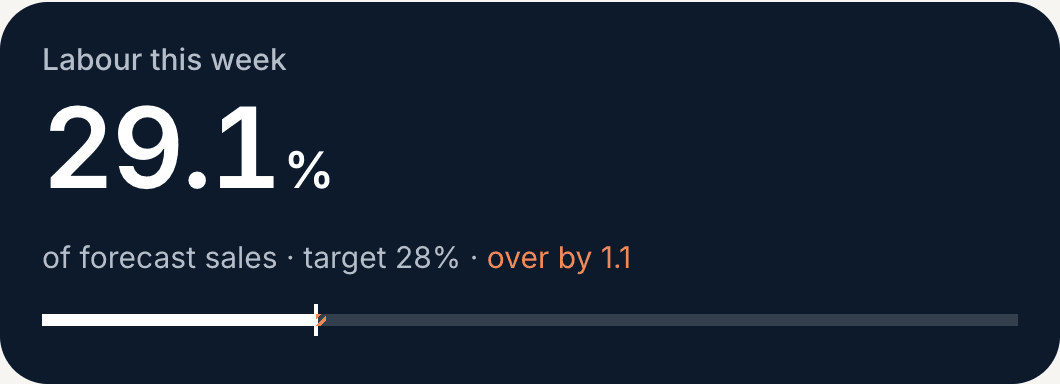
- The ring shows labour against forecast as you go.
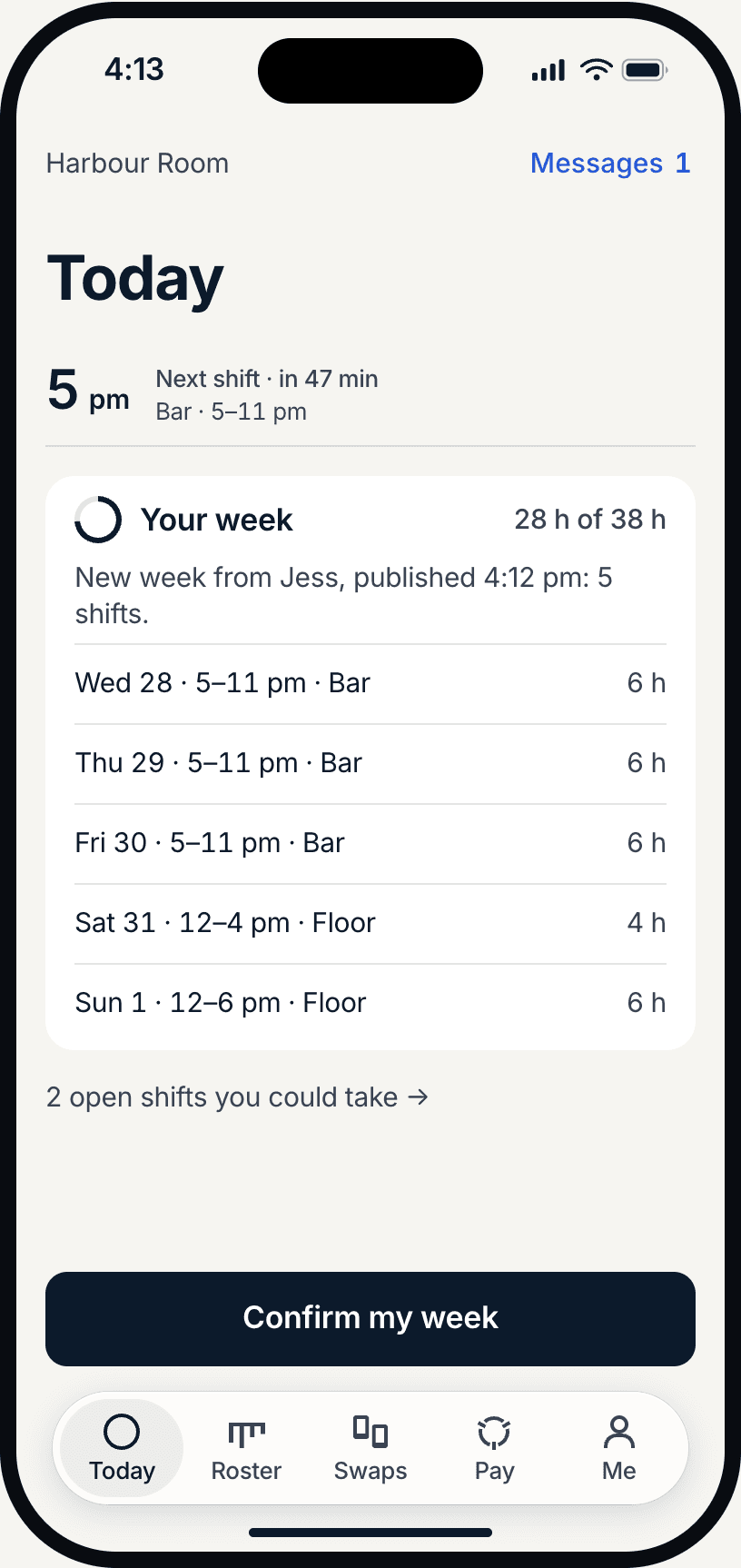
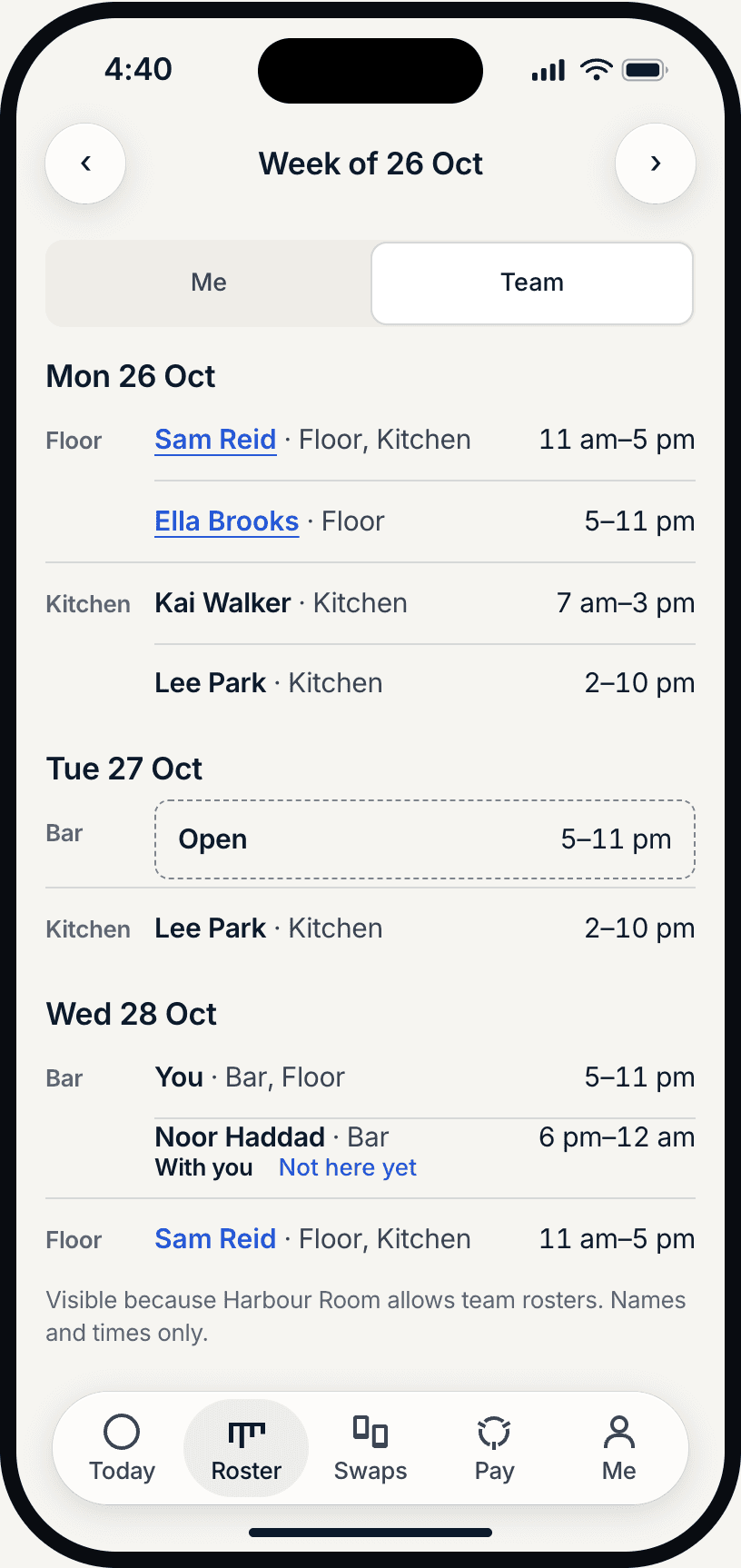
On shift
The crew see their shift first, then their week.
- The next shift, then the week as a list.
- The team you work with, and who to ask for a swap.
- One button to confirm the week.
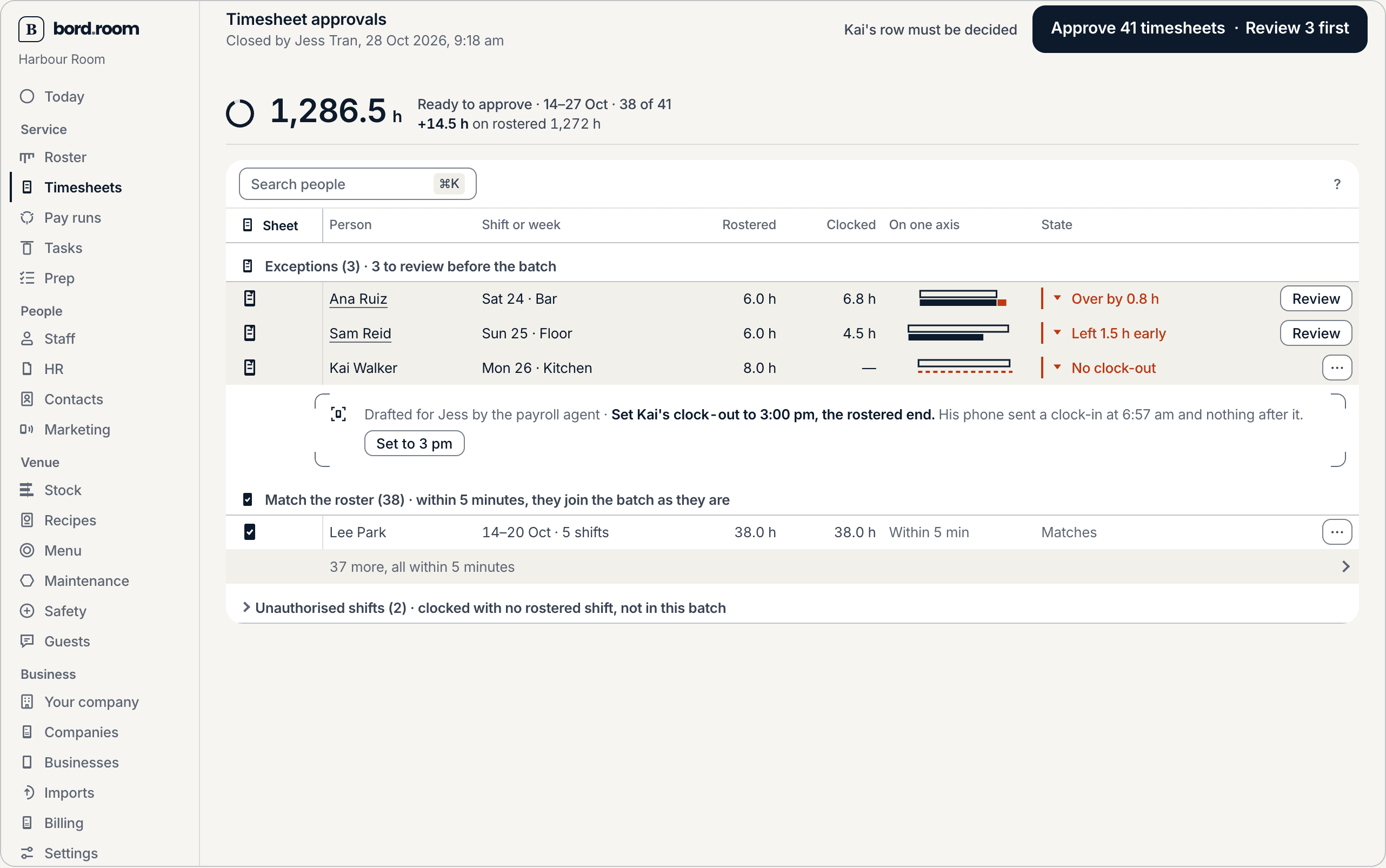
The hours that follow
Pay by exception.
- Timesheets that match the roster approve themselves.
- The ones that do not are listed with the reason.
- One button approves the batch; a person decides every exception.

The Pass
Three things you will learn to recognise.

See it with your roster
Walk through your week with us.
Bring a real week. We will show the roster, the crew's phones and the timesheets that follow.